
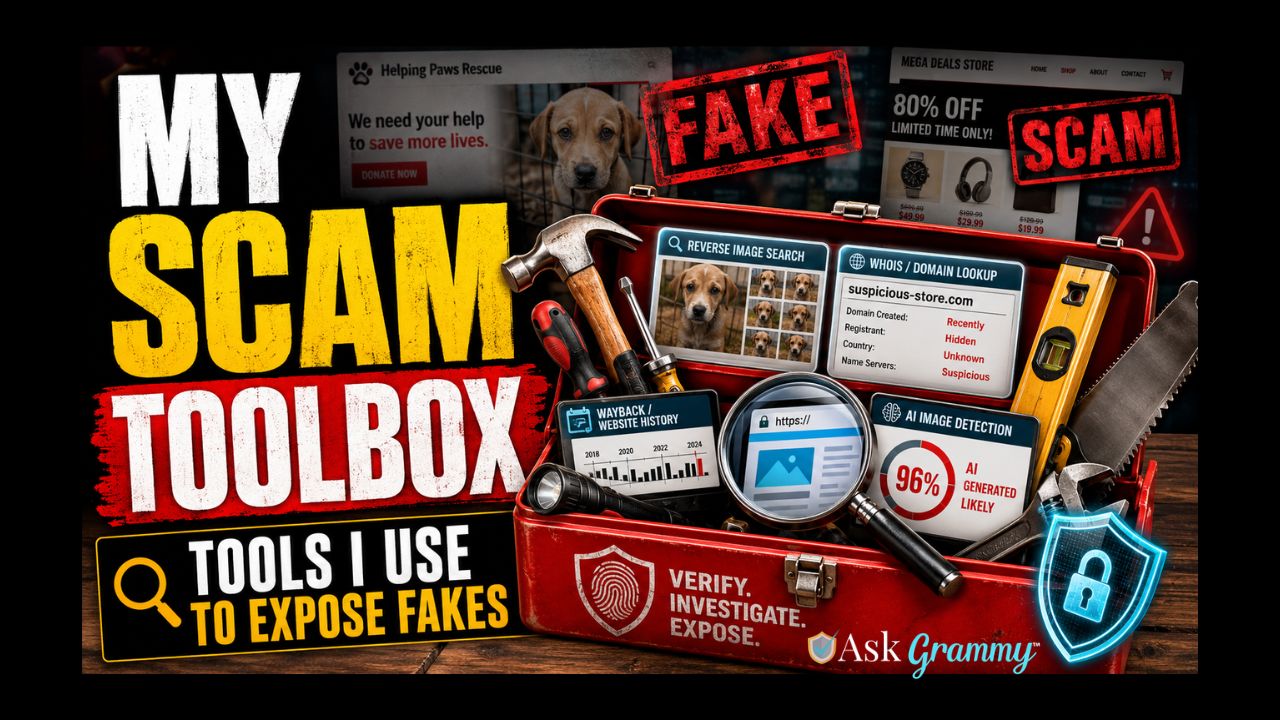
My dad was a carpenter. Spent his whole life with sawdust in his pockets and a tool belt on his waist. And the one thing he drilled into me, pun fully intended, was this. The right tool makes all the difference. Try to drive a screw with a butter knife and you’ll get there eventually, sure. But you’ll strip the screw, scratch the wood, and probably mutter a few things under your breath along the way.
Turns out the same thing’s true when you’re trying to figure out if that rescue plea on Facebook is real, or if that too good to be true online store is about to vanish with your money the second you hit checkout. You can squint at a photo and guess. Or you can pull out the right tool and actually know.
So today I’m opening up my toolbox. These are some of the tools I reach for most, and trust the most, when I’m investigating a scam. If this were a real toolbox, these would be the hammer, the screwdrivers, the saw, and the level. The basics. The ones that get used on every single job.
The miter saw, well, that one I’m keeping to myself. Every craftsman’s got at least one tool they don’t lend out.
These are the same basics that helped me crack open that fake animal rescue network. Borrow them. Use them. Get comfortable with them. Because the scammers are counting on you never knowing these exist.
WATCH ALL SEVEN VIDEOS TO SEE THE FULL TOOLKIT IN ACTION – (Click a title to view in YouTube):
- Part 1: Is this Photo AI or Real?
- Part 2: Scammers Lie About How Long Their “Business” Has Been Around, But You Can Catch Them With These Free Tools
- Part 3: Find Out Who is Hosting the Scam Site!
- Part 4: Is That Photo Stolen? Find Out in Seconds!
- Part 5: Does This Link Lead to a Virus? Find out in seconds!
- Part 6: This Free Tool Is a Time Machine for Scam Websites
- Part 7: Found a Scam? Here’s Exactly How to Report It (Step by Step)
Prefer to read instead of watch? Keep scrolling, everything covered in the video is broken down below too.
The Tools I Use to Investigate
Catching Fakes: AI Image Detection
Hive (hivemoderation.com/ai-generated-content-detection) Upload a photo, video, or even an audio clip, and Hive analyzes it and hands you a percentage instead of a flat yes or no. Use it when a profile picture feels a little too perfect, or a “rescue” or “victim” photo just feels off in a way you can’t quite name. Remember, the number’s your first clue, not your final verdict. A high score means dig further. It doesn’t mean you’ve got a courtroom conviction.
Tracing the Site: Domain Age and Hosting
WHOIS.com and ICANN Lookup Type in a web address and either one tells you when the domain was registered. Sometimes who registered it too, though plenty of legitimate businesses pay for privacy protection that hides those details, so a private listing by itself isn’t proof of anything shady. I use this when a “long established” charity or shop has a website that, turns out, was registered three weeks ago. That’s a five alarm flag. A site that’s been around for ten years tells a different story.
Who-Hosts-This (who-hosts-this.com) This tells you who’s hosting the website. A more technical layer, but useful when you want to see if a “brand new, totally unrelated” scam site is actually sitting on the exact same hosting setup as five other sites you’ve already flagged. Scammers reuse infrastructure because building a fresh one every time is a hassle.
Finding Stolen Photos
Google Images and TinEye Both let you upload or paste in a photo and search for where else that exact image shows up online. This is the bread and butter of catching fake animal rescues, fake romance profiles, fake sellers, you name it. If that “injured shelter dog” photo also shows up on twelve other sites under twelve different names, you’ve got your answer. Use both, since they don’t always turn up the same results. TinEye tends to be stronger on exact matches, Google’s reverse search casts a wider net and sometimes catches similar images too.
Checking a Site’s Reputation and History
VirusTotal and URLVoid Paste in a web address and these check it against a long list of security databases to see if anyone else has already flagged it for malware, phishing, or scam activity. Like asking a room full of security experts at once instead of just one. Fun fact, VirusTotal is actually owned by Google, tucked inside their security division. Use it before you click a link that smells off, especially from an unsolicited email or DM.
Wayback Machine (web.archive.org) This is the time machine. Type in a web address and see snapshots of what that site looked like in the past, sometimes years back. I use this constantly to check if a site claiming to be “established since 2015” actually had content back then, or sat blank until last month. Also great for catching sites that swapped their whole identity, selling shoes under one name last year, “rescue merchandise” under a new name today.
The Tools I Use to Report What I Find
Every carpenter ends up with a pile of scrap. Boards that didn’t measure up, cuts that went sideways, stuff that’s not going into the final piece. You don’t leave that sitting around the shop. You haul it out so there’s room to keep working.
Same thing applies once you’ve turned up a scam. Finding it is only half the job. Now you’ve got to report it, so somebody with the actual authority to act on it can.
FTC (reportfraud.ftc.gov) This is the federal government’s central complaint intake for fraud. Filing here doesn’t hand you your money back, and it’s not a guarantee anyone shows up at the scammer’s door tomorrow. What it does is feed a massive database that law enforcement agencies pull from to spot patterns and build bigger cases. One report might not move the needle. A hundred reports about the same operation will.
IC3.gov This is the FBI’s Internet Crime Complaint Center, the one to use when actual money changed hands or the scam crosses into clearly criminal territory, like romance scams, wire fraud, or business email compromise. Same idea as the FTC. You’re adding to the evidence pile that helps investigators connect dots between victims who might be states apart.
PayPal If money moved through PayPal, report it to PayPal directly, not just the platform where you found the scam. Speed matters here more than almost anywhere else on this list. Once funds clear out of a scammer’s account, getting them back gets a lot harder, fast.
The Site’s Host Remember Who-Hosts-This from above? This is where it earns its keep twice. Once you know who’s hosting a scam site, most hosting companies have an abuse reporting address, often something like abuse@thatcompany.com, where you can report a site for violating their terms of service. A solid report with evidence attached can get a site pulled entirely.
Facebook, YouTube, and Other Platforms Every major platform has a report button, buried as it might be. Use it on the page, the profile, the video, the ad, whatever you’re flagging. I’ll be honest, reporting through these in-app tools can feel like shouting into a void sometimes. But it still creates a record, and it still feeds whatever pattern detection the platform’s running behind the scenes.
Shopify or Whatever Platform the Storefront’s Built On If a fake store is running on Shopify, WooCommerce, or another e-commerce platform, that’s a separate report from the hosting company. The platform usually has its own fraud or abuse process, since a storefront built to rip people off violates its terms of service too. The more places a scam gets flagged, the more places it can get pulled from.
A Few Things Worth Remembering
You don’t have to become a full time scam investigator to use any of this. Most days, you’re not going to need a single tool on this list. But when something feels off, even just a little, that’s your cue to pull one out instead of talking yourself out of the feeling.
And if you’ve already sent money or shared information before any of this crossed your mind, that’s not on you. Scammers are professionals at making things feel urgent and real. The tools in this toolbox exist because plenty of smart, careful people still get caught off guard. That’s not a character flaw. That’s just how good the con artists have gotten.
Grammy’s Quick Reference Checklist
- See a suspicious photo? Run it through Google Images or TinEye to check if it’s stolen.
- Photo feel artificial? Check it with Hive for an AI-generated probability score.
- Unsure about a website? Look up the domain age with WHOIS or ICANN Lookup.
- Want to know who’s behind the hosting? Check Who-Hosts-This.
- Wondering if a site’s been flagged before? Run it through VirusTotal or URLVoid.
- Curious about a site’s history? Pull up old snapshots on the Wayback Machine.
- Confirmed a scam? Report it to the FTC and, if money was involved, IC3.gov.
- Money moved through PayPal? Report it to PayPal directly at phishing@paypal.com, and fast.
- Found the scam on a platform? Report it to the site’s host and the platform itself, Facebook, YouTube, Shopify, wherever it’s living.
What’s Next
This toolbox isn’t going anywhere, I’ll keep adding to it as I find new tools worth trusting. If you want to see these tools in action on a real case, take a look at my Fake Animal Rescue Scam Tracker, where I used several of these exact tools to expose a network of fake rescue pages.
Got a tool you swear by that’s not on this list? Drop it in the comments. I might just add it to the toolbox. The miter saw, though, still staying right where it is.
About This Toolkit
Every tool listed here is one I personally use and trust in my own investigations. None of these companies paid for placement or sponsored this post. Links open in new tabs so you don’t lose your place. This list reflects free tools available at the time of writing and may be updated as new tools come along or existing ones change. This post is for educational purposes and isn’t a substitute for legal advice. If you’ve lost a significant amount of money, please also contact your bank or card company and consider reaching out to local law enforcement.