
Summary
Before you click that link, take a second to see where it’s really going.
In this post, I’ll show you how to read a web address (URL) so you can tell whether a site is legitimate — or just pretending to be.
You’ll learn a simple trick (reading from right to left), plus a few common scam patterns that show up in emails every day.
It only takes a moment to check… and it can save you a lot of trouble.
Every day, as I peruse my email inbox, I find:
Some things I actually need and want to read.
Some things I subscribed to… and keep meaning to unsubscribe from. (One of these days.)
Some that make me wonder how on earth they got my email in the first place.
And then there are the others.
The ones that strutted into my inbox in full masquerade regalia – posing as someone they absolutely are not. 👹👺🎭
Amazon.
My bank.
Netflix.
The occasional “urgent notice” that would supposedly change my life if only I’d click right now.
Funny how that works.
The problem is, some of these messages look very convincing.
And if you’re not in the habit of checking where a link actually goes, it’s easy to click before you think.
But here’s the good news:
There’s one simple skill that can help you spot most of these imposters before they ever get the chance to cause trouble.
And it all comes down to understanding one thing:
👉 the web address – also known as a URL (Uniform Resource Locator – but unless you have a date to appear on Jeopardy, you probably won’t need to know that).
🎥 Watch: How to Spot a Fake Link in Seconds
What Is a URL (And Why It Matters)
A URL is just the address of a website.
Think of it like the street address for a house.
But here’s the part nobody tells you:
👉 That address tells you who actually owns the site you’re about to visit.
And sometimes… it’s not who you think.
Where to Find the Real Link
Before you click anything, there are two places to check:
1. The Address Bar
When you’re already on a website, the address bar at the top of your browser shows you exactly where you are.
Simple enough.
2. Hover Over the Link (This Is the Big One)
When you move your mouse over a link – don’t click, just hover 🚁- look down at the lower-left corner of your screen.
That’s where your browser quietly tells you:
👉 “Here’s where this link is really going.”
And let me tell you… that little corner has exposed a lot of nonsense over the years.
It’s like the internet’s version of, “Go ahead, say that again… slowly.”
The Trick Scammers Hope You Never Learn
Here it is.
The one thing I want you to remember:
👉 Don’t read web addresses from left to right.
Read them from right to left.
I know – that sounds backwards.
Stay with me.
Example:
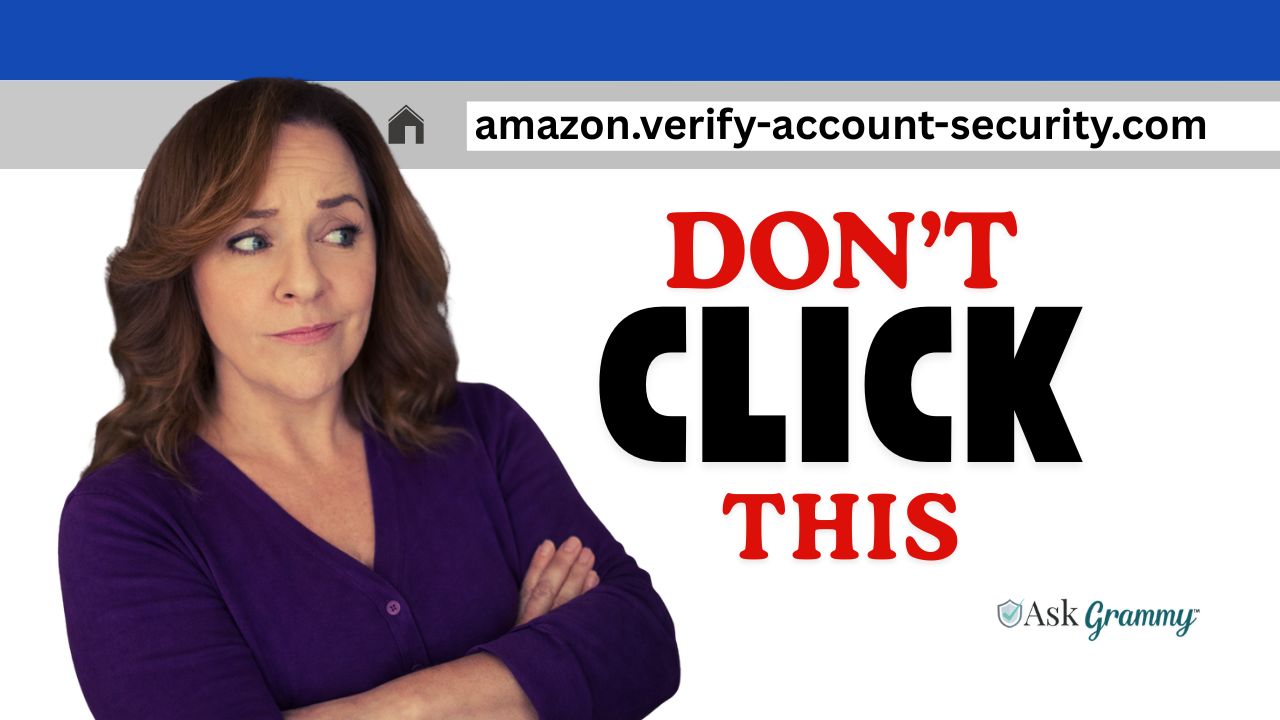
amazon.verify-account-security.com
At first glance, your brain says:
“Oh good, Amazon.”
But when we read it from right to left:
👉 security.com is the real website
Everything before that?
Just decoration.
And not particularly convincing decoration, if we’re being honest.
Common Tricks Scammers Use
(And yes, they do get creative)
Let’s walk through a few of their favorite moves.
1. Adding Official-Sounding Words
They love words like:
- security
- verify
- account
- login
- update
Example:
paypal-security-alert.com
That’s not PayPal.
That’s just someone who woke up one morning and thought, “I bet I can make this look official enough.”
Points for effort. Not much else.
2. Hiding the Real Site at the End
This one fools a lot of people:
amazon.com.verify-account.ru
Your brain stops at amazon.com.
But the real website is:
👉 verify-account.ru
By the way, the .ru means the site is registered in RUSSIA! (More on this in an upcoming post.)
The scammers are hoping you won’t keep reading.
Let’s disappoint them.
3. Hiding Inside Big Platforms
You might see something like:
randomname.blob.core.windows.net
And think:
“Windows.net = Microsoft = must be safe.”
Nope.
That’s just a file someone uploaded to Microsoft’s cloud storage.
Think of it like a bulletin board in a grocery store:
👉 The building is legitimate
👉 The flyer? Not so much
4. Tiny Misspellings
These are sneaky:
paypaI.com
That last letter isn’t an “L” – it’s a capital “i.”
Our brains read quickly.
Scammers rely on that.
A Simple Habit That Can Save You a Lot of Trouble
Before you click a link – especially in an email or message – pause for just a moment and ask:
- Where is this link really going?
- What is the actual domain (at the end)?
- Does it match the company it claims to be?
- Does anything feel just a little off?
If something feels off, it probably is.
That instinct you have? It’s there for a reason.
The Safer Way to Do Things
If something doesn’t sit right:
👉 Don’t click the link
Instead:
- Go directly to the company’s website
- Or use a bookmark you trust
Yes, it takes a few extra seconds.
No, scammers don’t care for that approach.
Grammy’s Closing Thoughts
The internet isn’t dangerous because links exist.
It’s dangerous because people click them without checking where they go.
You don’t need to become a cybersecurity expert.
You just need to slow down… and actually look.
If this helped you, please share it with someone who might need it.
A lot of people are navigating this without guidance – and we can help change that.
The scammers are creative.
But together, we can stay one step ahead.